
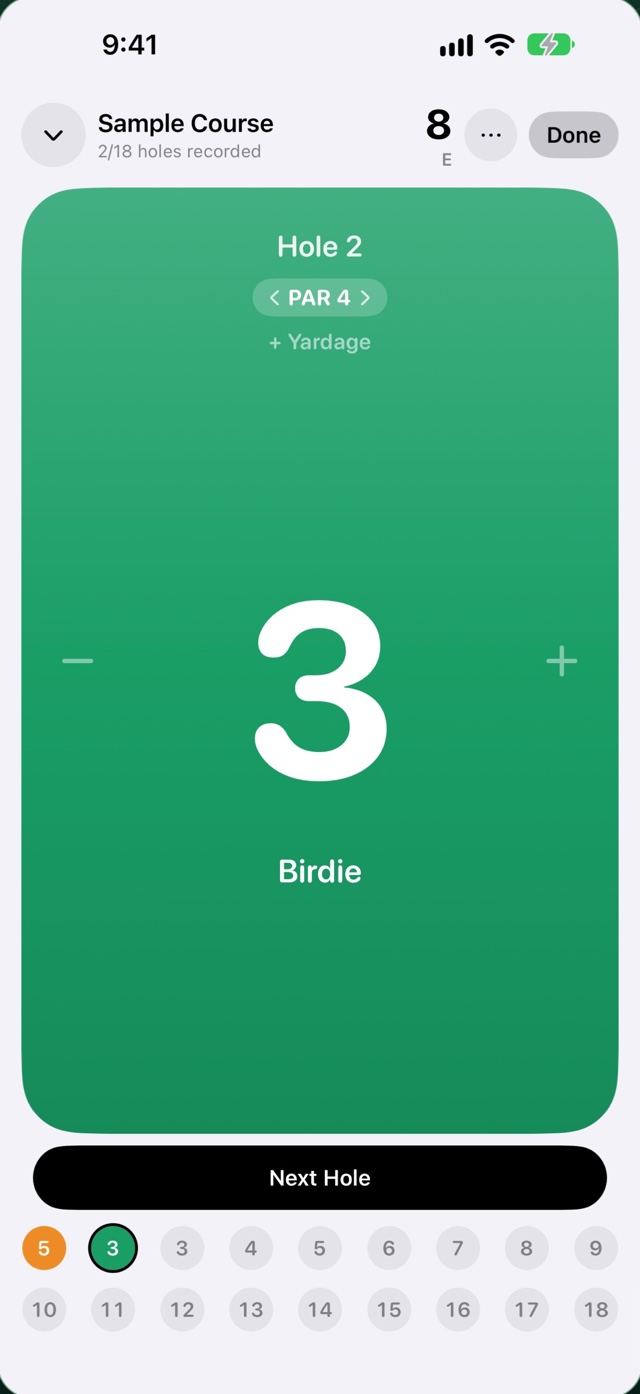
Practice Timer & Tags
Start with a quick countdown, pause from the Lock Screen, and log balls hit, shot types, focus areas, and clubs when you wrap up.
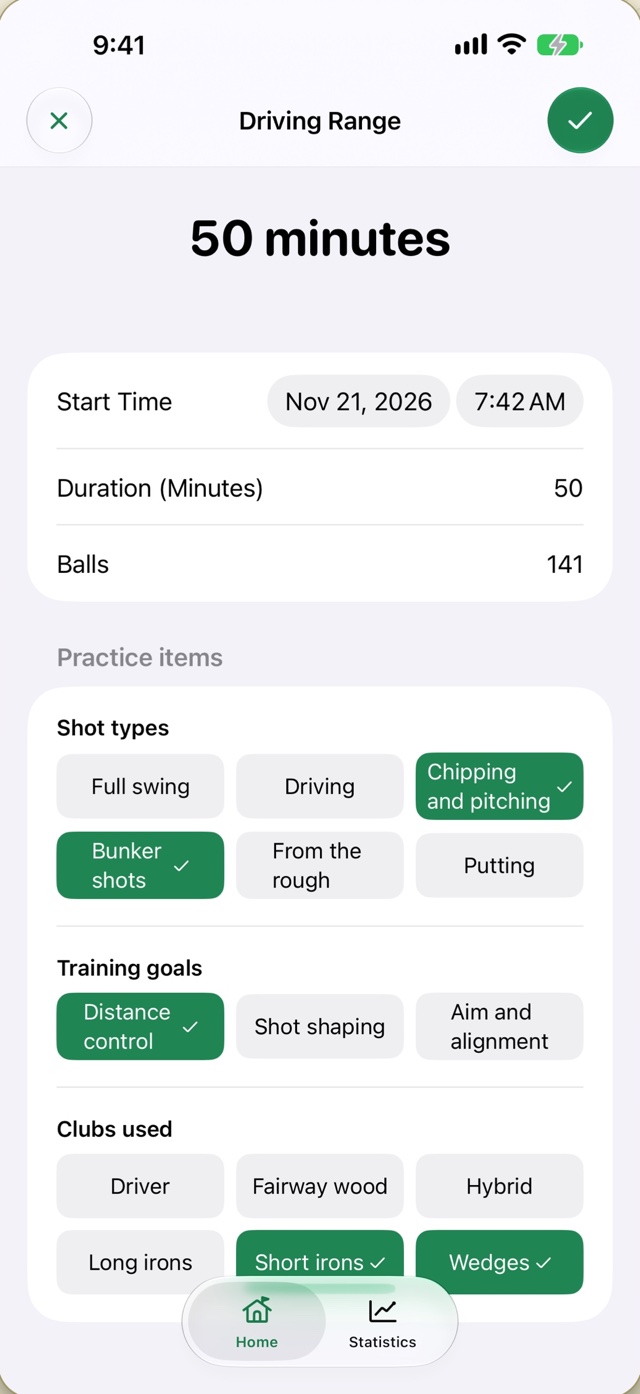
A focused golf scorecard and practice log for iPhone. Score with one hand on big hole cards, tap right from your Lock Screen, and track group games automatically.
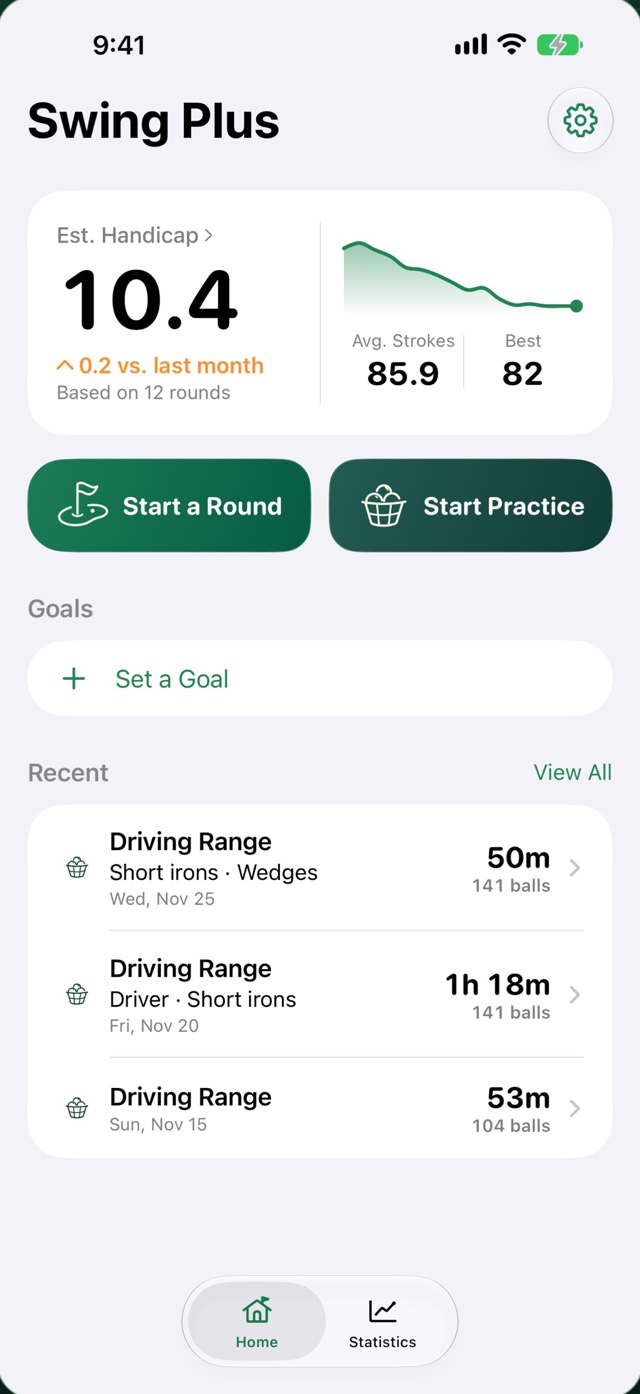
Tap the left half for −1, tap the right half for +1, and swipe to move between holes. Adjust par on the fly—for front nine, back nine, Par 3 courses, or any 1–18 holes.
Interactive preview — tap left/right to score, change PAR, or jump holes below
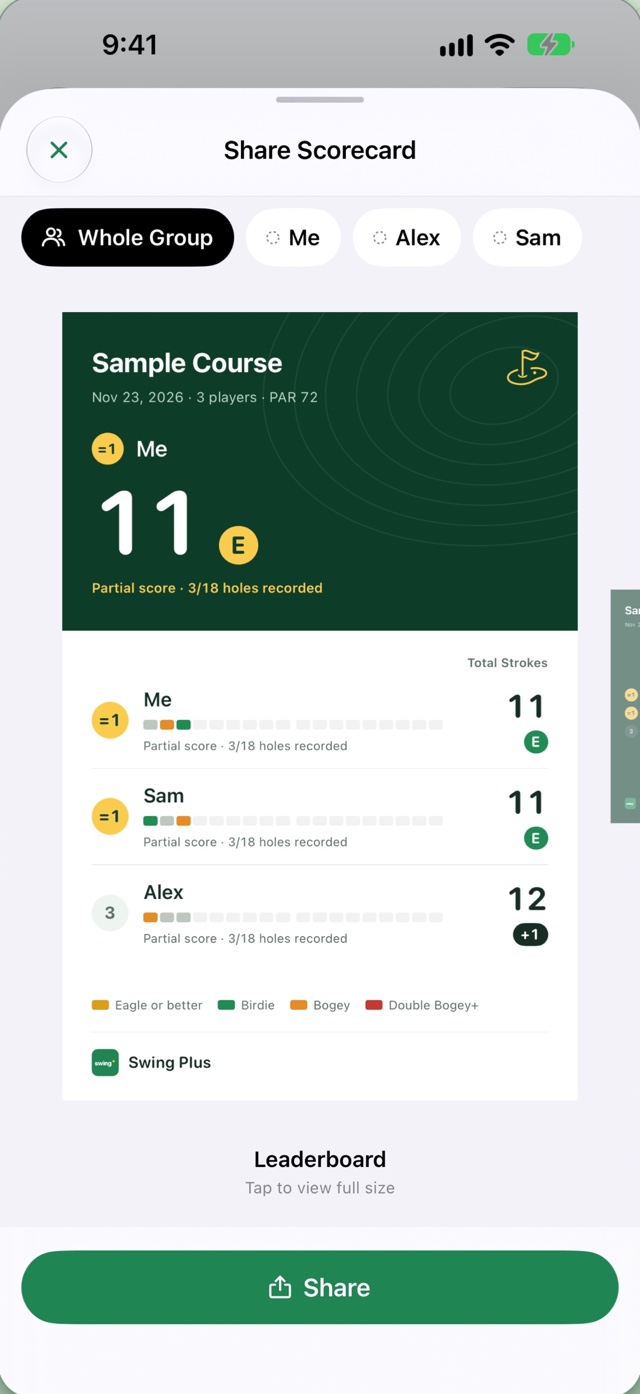
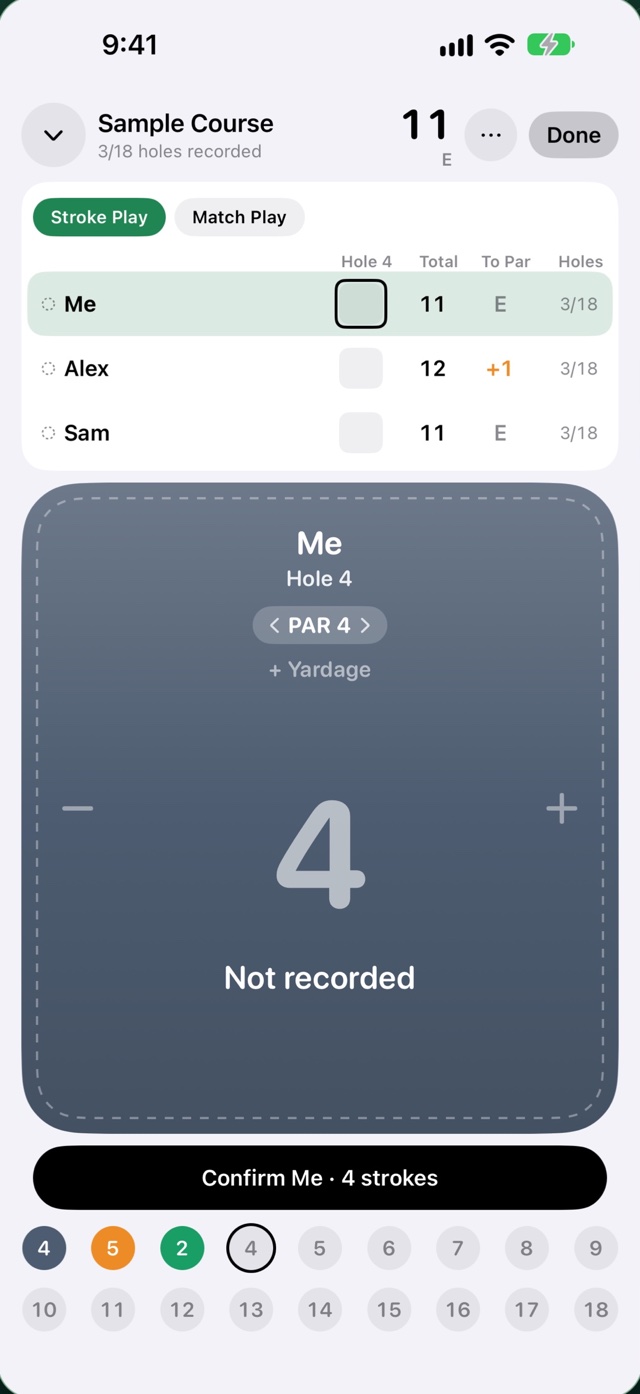
Score up to four players without anyone else installing the app. Pick each player’s tees and yardages, run multiple games at once, and share a leaderboard or paper-style card.
Allocates handicap strokes by hole index and saves your custom rules. Tracks holes, points, and standings only—no wagers.
Keep range sessions and rounds together. Filter by date to compare pre-round practice against results, and glance at your activity from Home Screen widgets.
Start with a quick countdown, pause from the Lock Screen, and log balls hit, shot types, focus areas, and clubs when you wrap up.
Every round and practice session mapped into a clean green calendar grid—also available as a Home Screen widget.
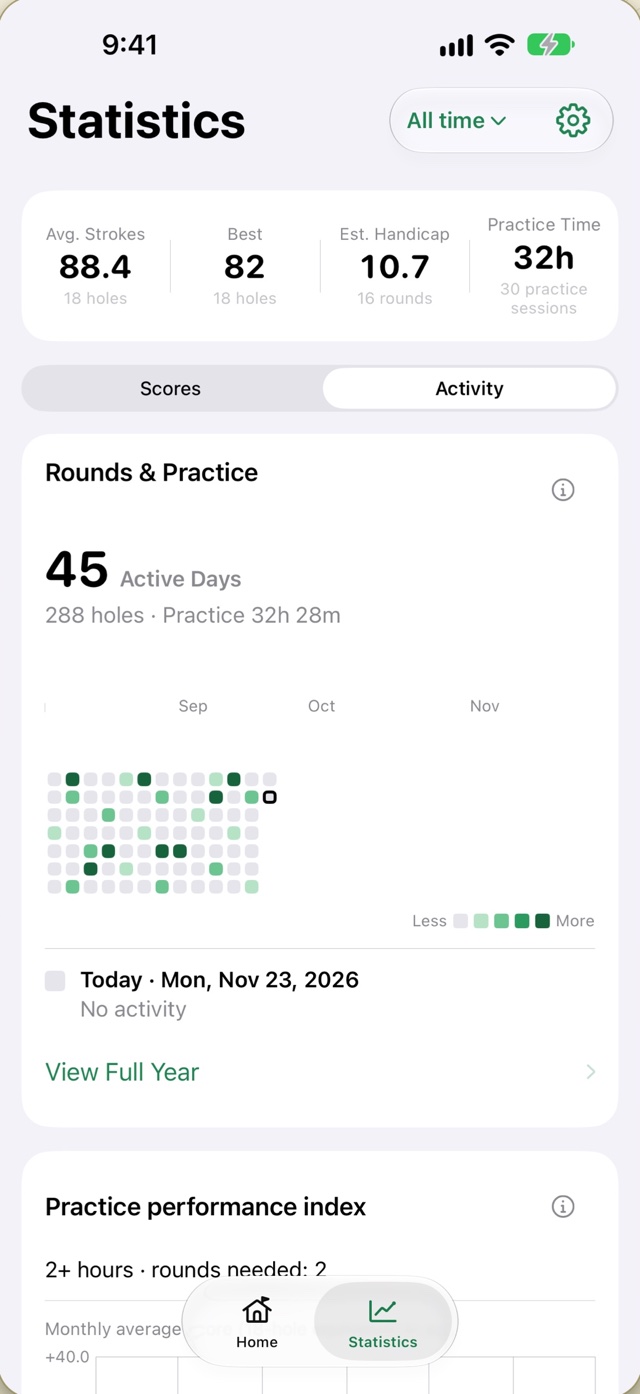
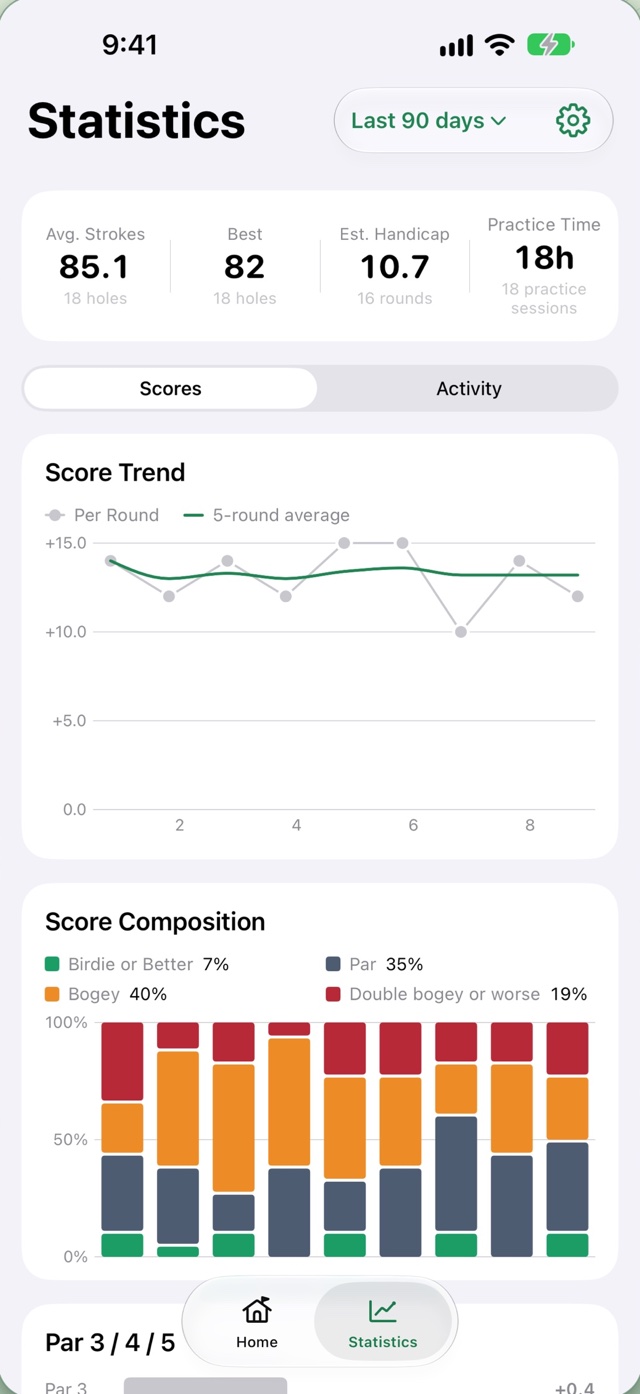
Track score trends, Par 3/4/5 averages, hardest holes, and a personal WHS-style estimated handicap across 9- and 18-hole rounds.
Swing Plus has no user servers, no ads, and no third-party analytics. Every round stays on your iPhone and in your own private iCloud.
Rounds, courses, practice logs, and preferences sync across your devices through your personal iCloud. We never see your data.
Scan paper scorecards offline with Apple Vision to set up courses fast—photos never leave memory. Share courses as .swingcourse files.
Export hole-by-hole CSVs anytime for your own spreadsheets, or save and restore complete JSON backups in one tap.
Native support for English, Simplified & Traditional Chinese, Spanish, French, German, Japanese, and Korean on iOS 17+.